
FIREWORKS AT YOUR FINGERTIPS
BE A SKY HERO
Easy to use, the IGNITE app gives you full control of your fireworks show.
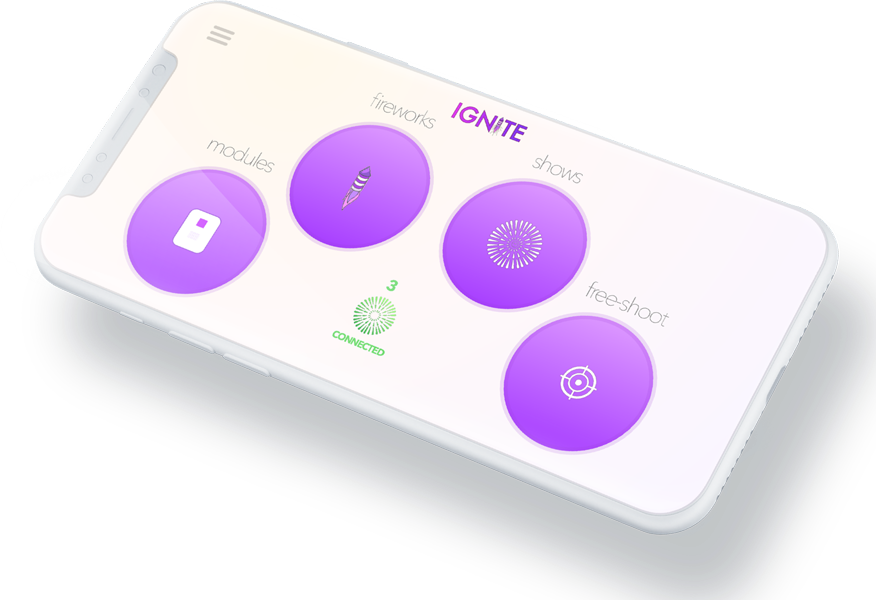
SUPPORTS ANDROID AND IOS
BOTH PHONE AND TABLET
IGNITE is compatible with iOS and Android smart devices such as the iPhone, iPad, and Android phones/tablet.
*Amazon Fire and other mobile devices that don't officially integrate the Google Play store are not currently compatible with IGNITE.MAIN MENU
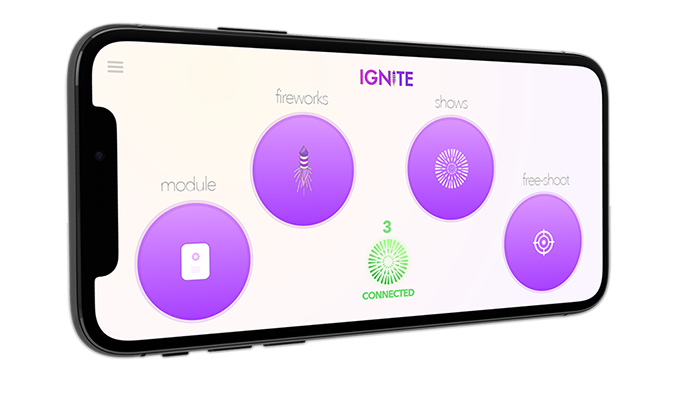
MODULES, FIREWORKS, FREE-SHOOT and SHOWS
The IGNITE main menu provides access to the four app sections including modules, fireworks, Free-Shoot, and shows, explained below.
MODULES
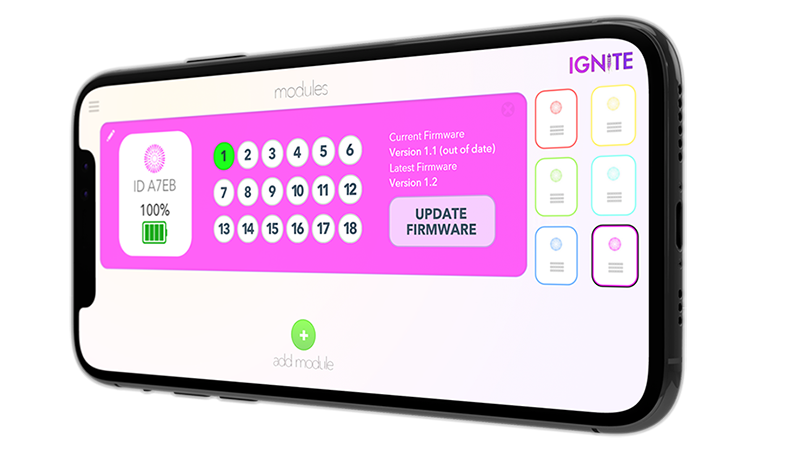
PAIR UP TO SIX MODULES
The modules section allows you to pair a combination of up to six i18 or i36 modules for a maximum of 216 cues. You can also view battery life, which cues have igniters connected, and module color.
FIREWORKS
BUILD YOUR FIREWORKS ARSENAL
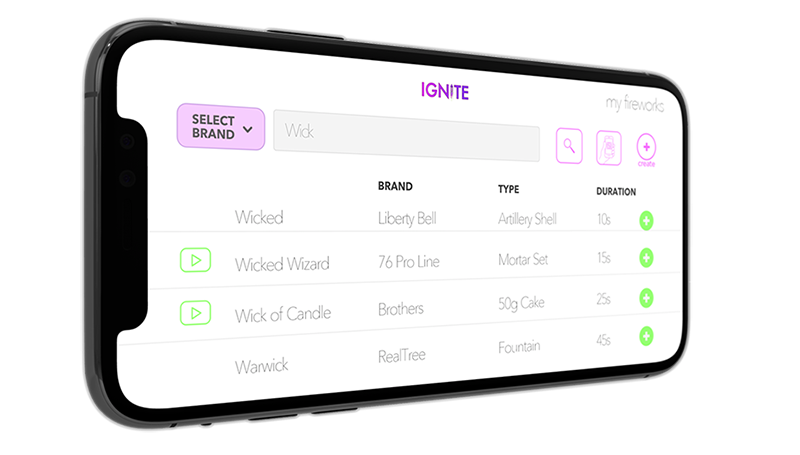
Create and manage your own personal fireworks database. You can scan firework barcodes, create your own, or navigate our evolving integrated product catalogs. The app is also synchronized with our online IGNITE Show Designer software by keeping all fireworks updated between systems.
FREE-SHOOT
VIDEO GAME CONTROLLER FOR FIREWORKS
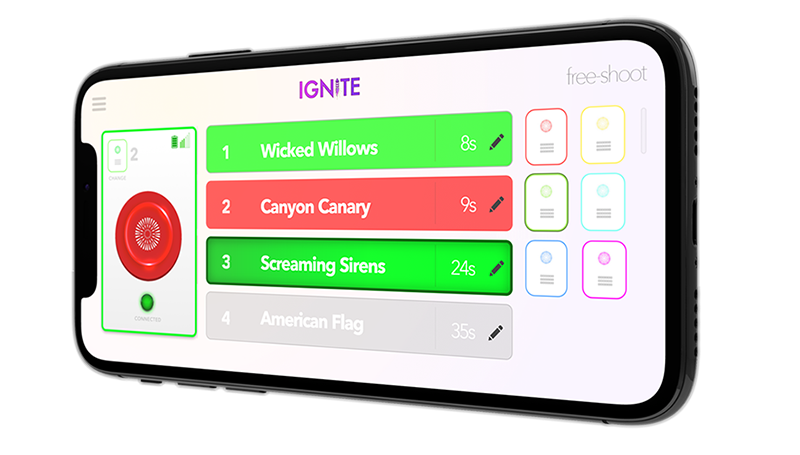
Using free-shoot, your phone becomes a video game controller for shooting fireworks. Choose a module, press buttons, and light up the sky.
SHOWS
DESIGN AUTOMATED SHOWS
With IGNITE, you have two powerful options to design and automate your fireworks show:
IGNITE Show Designer
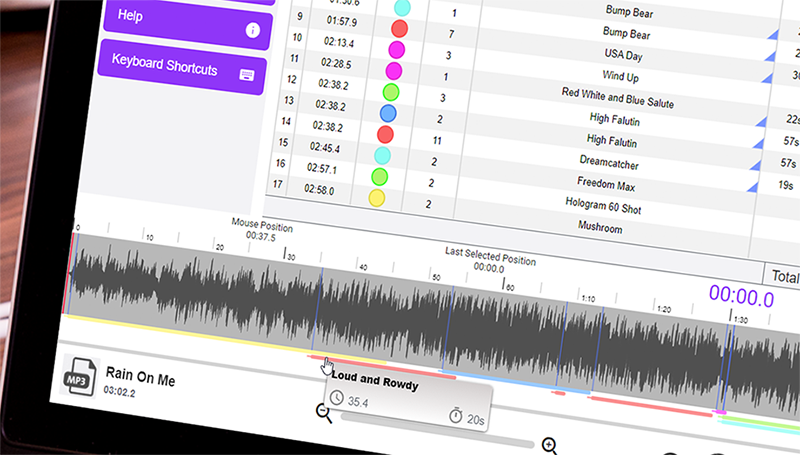
Using our online IGNITE Show Designer software, you can design your show in advance by choreographing events to fire at pre-set times with optional music. Once designed, press one button, sit back, and watch your show fire from start to finish.
GLOW 3D Show Builder
Alternatively, you can design your show using the GLOW 3D Show Builder, available through participating retailers.
With GLOW, you can visualize your show in a 3D environment, select products directly from the retailer's inventory, and simulate sequences to see exactly how your show will look before firing.
Once you've built your show, you can purchase the fireworks from that retailer and generate a 4-digit IGNITE show code. You can import the code directly into the IGNITE app to fire your show or use it in the IGNITE Show Designer to make any edits or additions before firing.
IN-APP LIVE CHAT
HELP AT YOUR FINGERTIPS
Get instant support without leaving the app. Chat with Ember, our 24/7 AI assistant, or connect with a real support agent during business hours. Fully integrated with the IGNITE Help Portal for faster answers to your questions.
NEED HELP?
WE GOT YOUR BACK
IGNITE is based here in the good ol' USA. You can watch how-to videos and contact us using live chat (on our website or in the app), phone, email, and even emergency 24/7 911 support.