HOW TO USE PYROCAST WITH IGNITE
A Revolutionary Platform for Perfectly Timed Music
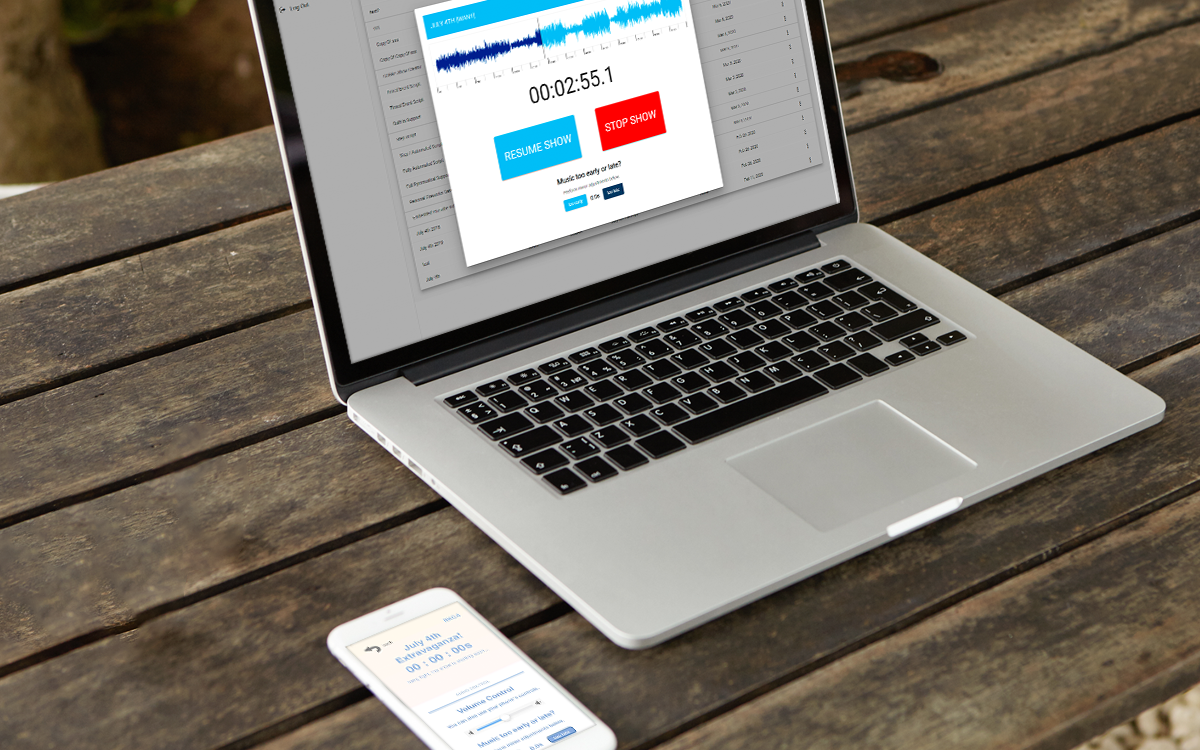
PYROCAST allows audiences to listen to your show’s soundtrack in perfect sync from their phones. It also allows you to output SMPTE timecode to synchronize with control systems such as Light-O-Rama, COBRA, or others.
Whether you’re firing with IGNITE or using it purely as a listener tool, PYROCAST delivers timing accuracy of ±0.1s on iOS and ±0.4s on Android, supporting everything from small shows to large public events.

Step 1:
Create Your Show
Create your show using the IGNITE Show Designer or GLOW 3D. After saving your show, it will automatically appear in PYROCAST using your email address.
Step 2:
Share the 4-Digit Code
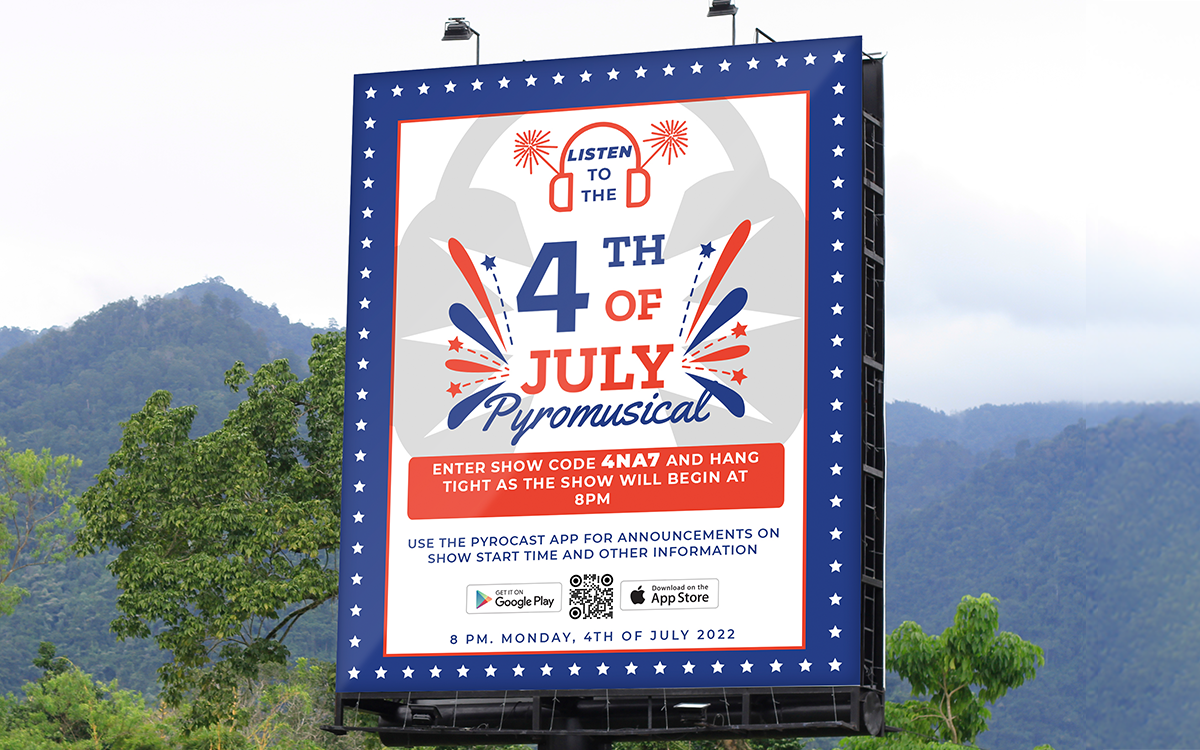
Each show generates a 4-digit code (e.g., 48N7). Share this code with your audience so they can listen to the show audio in sync by entering the code in the PYROCAST app.
The app is available for both Android and iOS using the links below, or simply tell your audience to visit pyrocast.app on their device to download it.


Step 3:
Start the Show
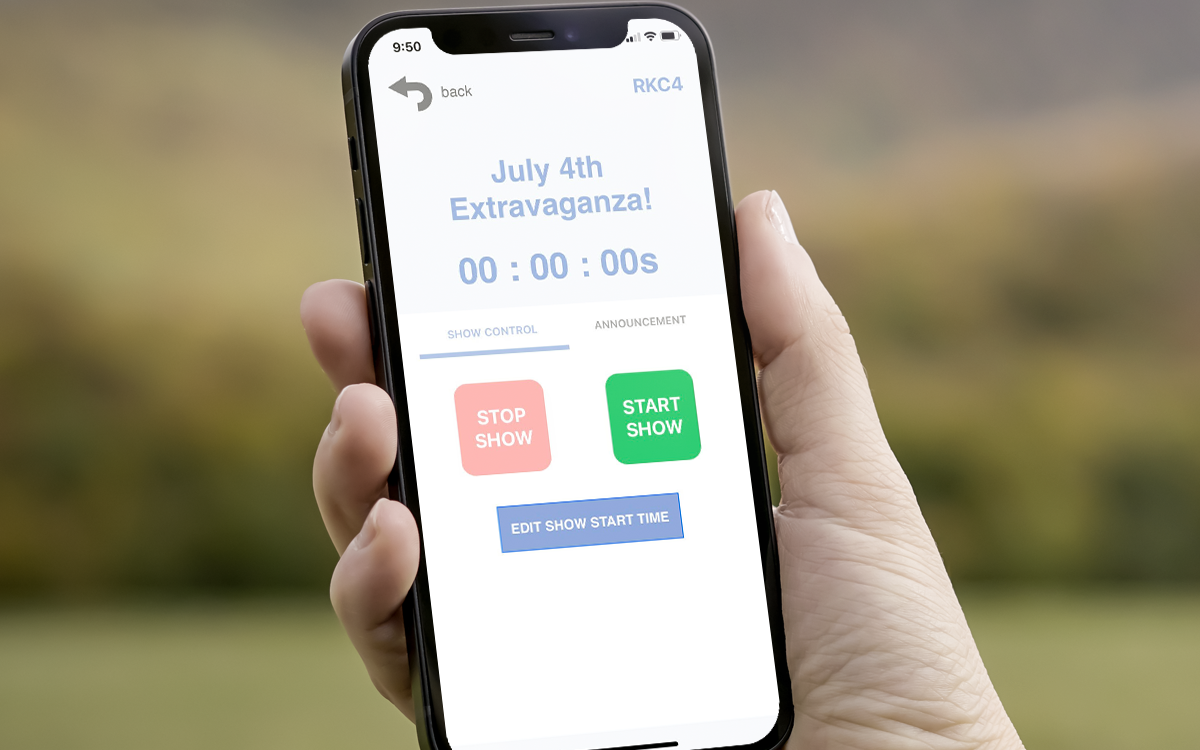
When it’s time to begin, simply start the show using the PYROCAST app. You’ll see a synced countdown and can begin the show with confidence. If using SMPTE, the output will begin from the right audio channel.
Step 4:
Listen to the Show
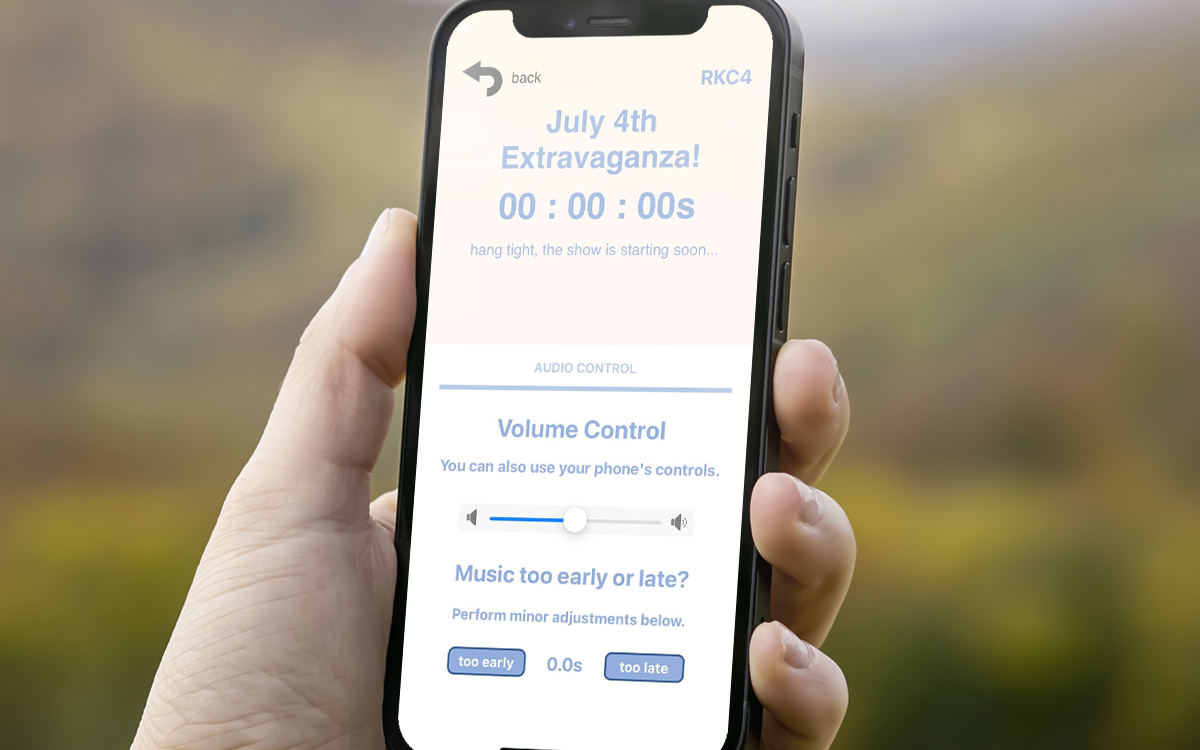
As the show runs, users can adjust their phone’s volume or use headphones. If you’ve used IGNITE to link events to cues, fireworks names can display in sync for audience members too.
Additional Capabilities
What Else Can PYROCAST Do?
PYROCAST goes beyond audience playback. You can trigger shows remotely, schedule automatic starts, loop your audio, and even collaborate with others to manage the same show. It’s a flexible tool designed to grow with your needs.
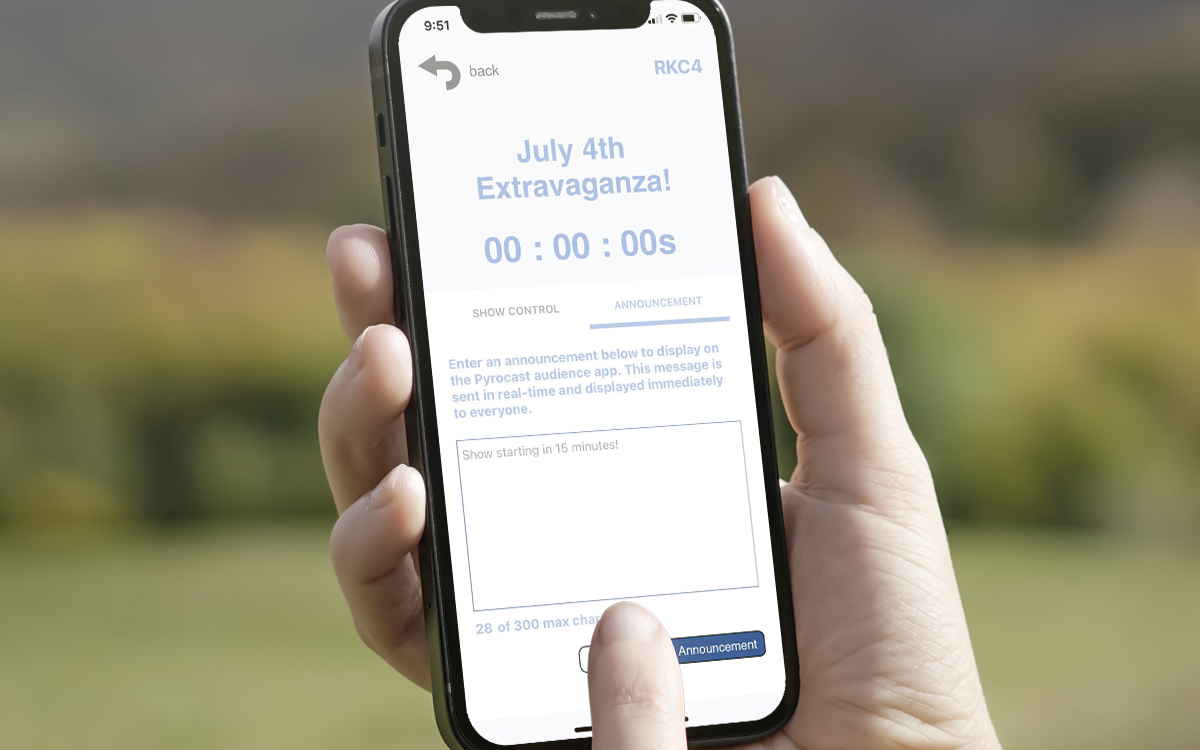
To learn more about how PYROCAST works, including advanced features and technical documentation, visit the official website:
Visit pyrocast.com