
GLOW + IGNITE
3D Show Building and Firing using IGNITE
What is GLOW?
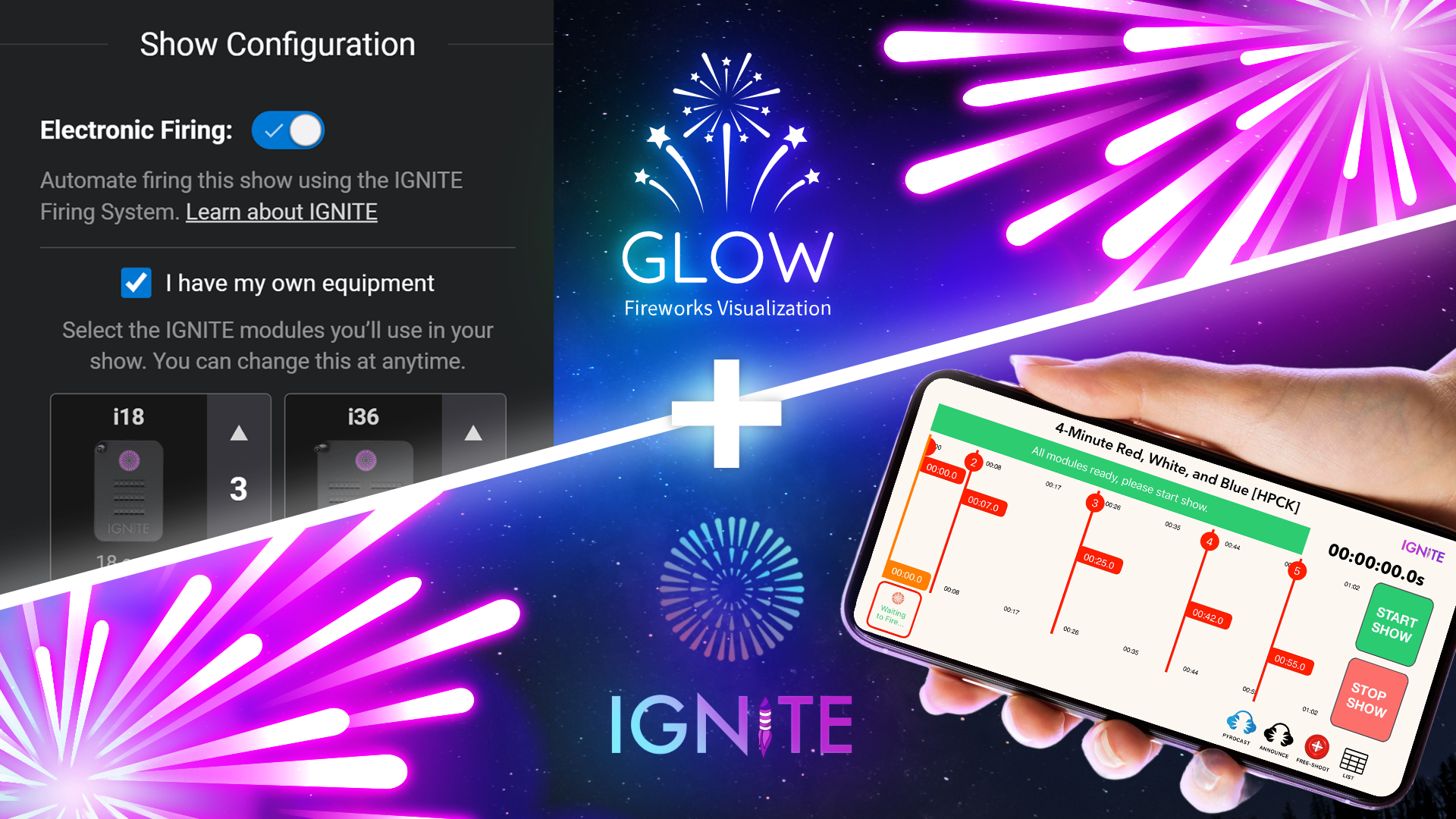
GLOW is a web-based 3D visualization technology that some online retailers use to allow customers to both visualize their fireworks, and to create complete shows. IGNITE has partnered with GLOW to allow users to generate a 4-digit show code which can be entered into the IGNITE App or IGNITE Show Designer. Note that this technology is solely for online retailers who use the GLOW platform as there is no centralized simulation database or visual integration into the IGNITE Show Designer software.
Step 1: Enable Electronic Firing
Access the Show Settings in the GLOW Show Builder to enable electronic firing, allowing you to control the number of modules needed for your show.

Step 2: Generate 4-digit IGNITE Show Code
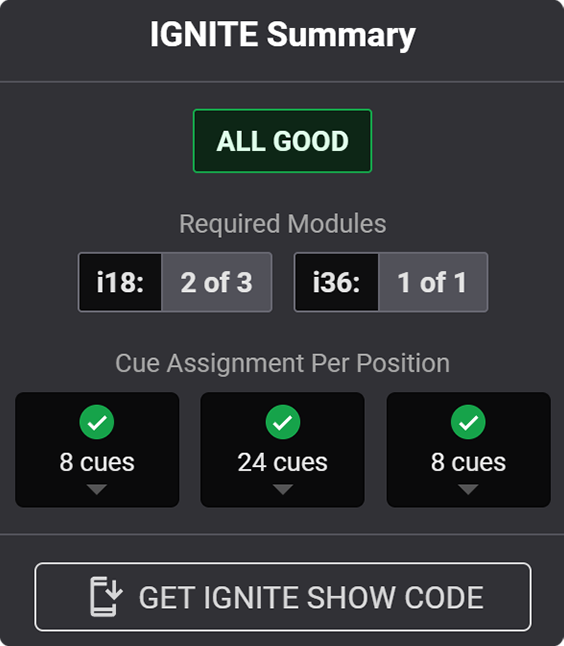
Click "GET IGNITE SHOW CODE" to generate a 4-digit IGNITE show code. Enter this code directly within the Shows section of the IGNITE app.
Step 3: Create Module Setup Report
Optionally, create a module setup report for easy field setup. This report will list all the modules, positions, and cues in your show for accurate placement.

GLOW Retailers
You can find a listing of retailers below that use the GLOW platform for online shopping. For each retailer, we have linked to their online show builder and list the brands they sell. The number of simulations and retailers using GLOW is quickly growing. If your favorite retailer does not use GLOW, make sure to send them to www.glowfireworks.com.