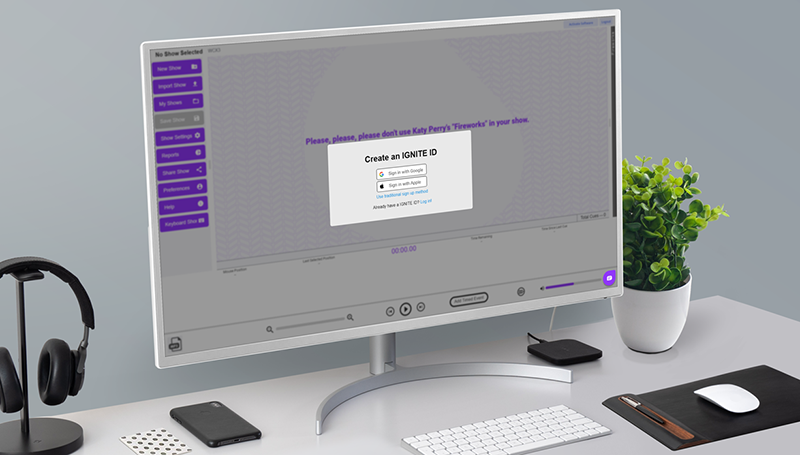
IGNITE Show Designer
IGNITE ONLINE SHOW DESIGNER
IGNITE Show Designer is a FREE online show design software available at designer.ignitefiringsystems.com.
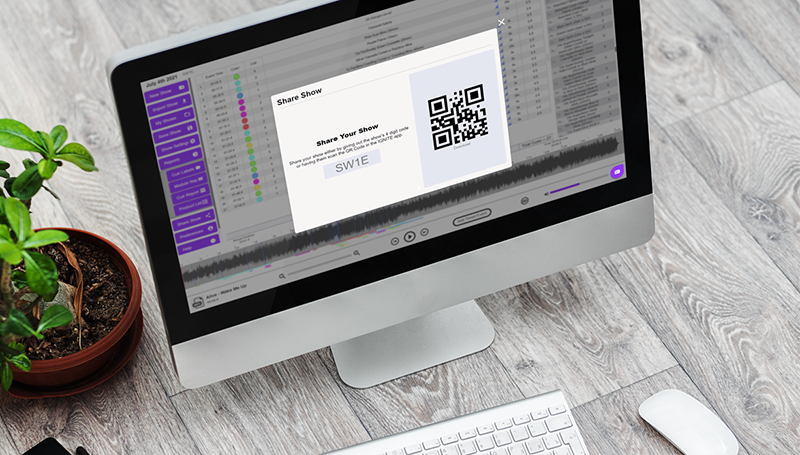
Using the robust user interface, design shows to optional music using your personal fireworks database. You can also print reports, firework labels, and other helpful features. Once saved, a show is given a 4-digit code you can enter into the IGNITE app or share with friends.
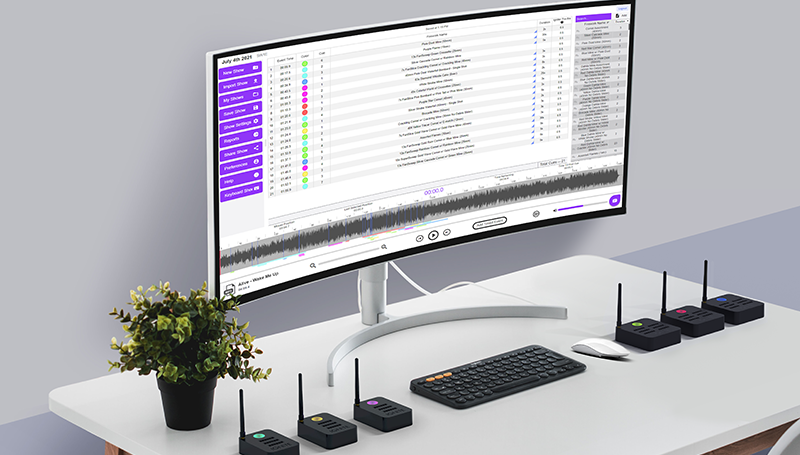
LARGE CANVAS FOR SHOW DESIGN
MOVE OVER BIG THUMBS
Using a computer screen gives you a specialized user interface for designing shows with your personal fireworks database and precise event placement.
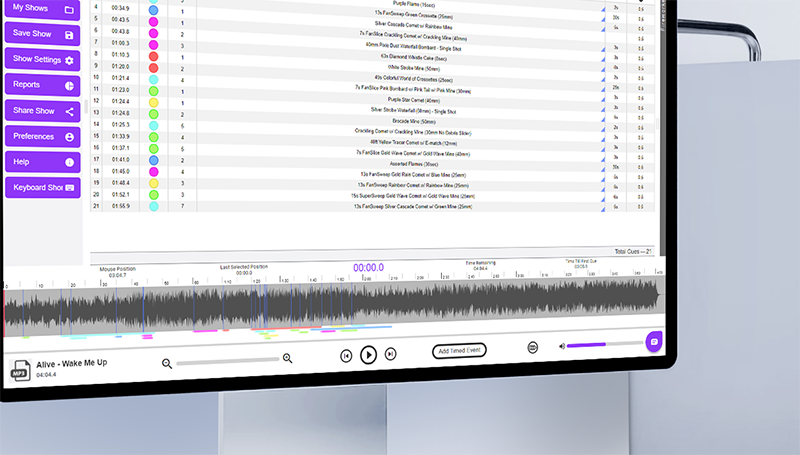
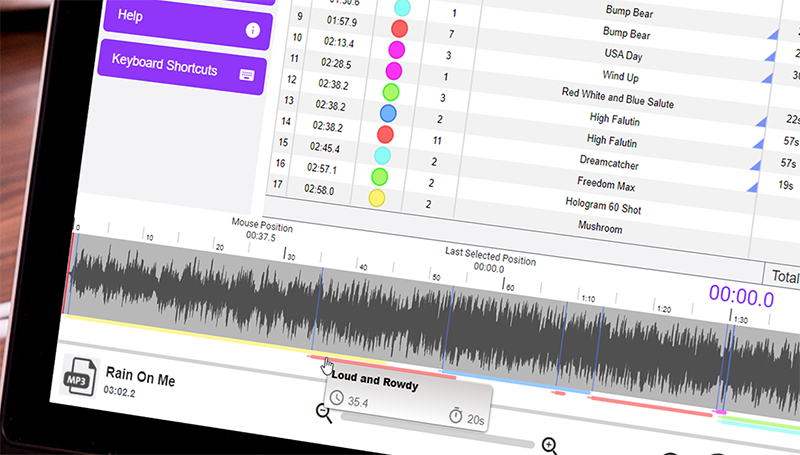
LIST AND WAVEFORM VIEWS
BEST OF BOTH WORLDS
View show events in both list and waveform view to allow quick, spreadsheet-like edits to the list view and visual placement of events onto the optional audio waveform.
BULK IMPORT FIREWORKS
LOAD YOUR PERSONAL ARSENAL
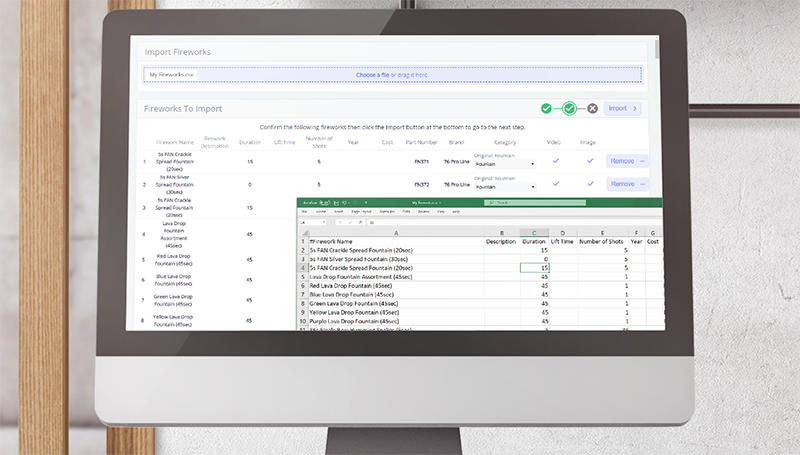
Have a spreadsheet of personal fireworks? Use the bulk import tool to load your personal fireworks into the software. Once imported, you can search, filter, and manage directly within the online software.
REPORTS AND FIREWORK LABELS
BE PREPARED FOR SHOW DAY
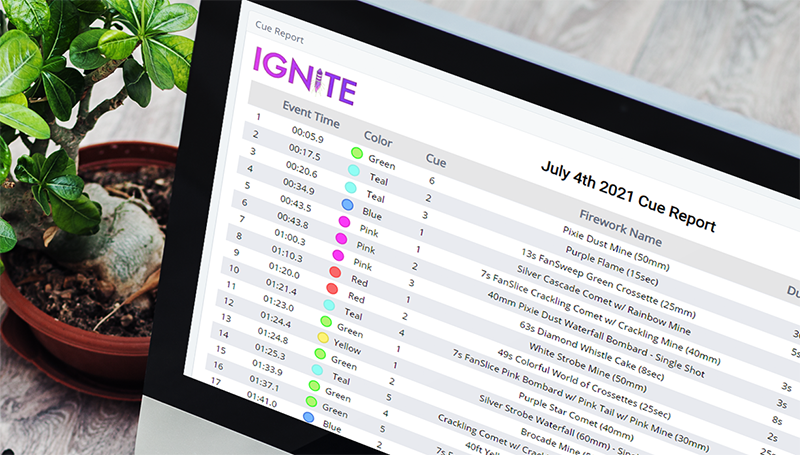
Generate and print show reports including the module report, cue report, and product list. You can also print "sticky" Avery 5160/5260 cue labels for placement on fireworks in advance of your show.
INTEGRATED FIREWORKS CATALOGS
EVOLVING WITH YOUR HELP
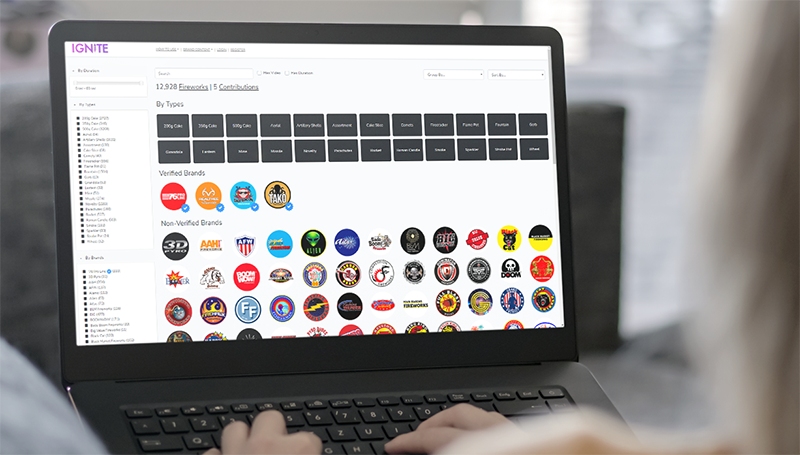
IGNITE is working with firework manufacturers to create the most comprehensive online consumer firework database online. You can access the catalog directly from the IGNITE App or from fireworks.ignitefiringsystems.com.
SHARE SHOWS WITH FRIENDS
SIMPLE 4-DIGIT CODE
Want to share your show with a friend? No problem, send them your 4-digit show ID for them to enter into their IGNITE app. Once imported, your friend can edit or fire the show on their own.
FREE
GIVE IT A GO.
Want to give it a whirl? No problem. Visit designer.ignitefiringsystems.com to use the software for free.