App Updates
Release Notes
The IGNITE App is constantly innovating with new features and functionality. Please find a listing of improvements below.
IGNITE v1.3 BETA App Release
Nov. 11th, 2024We are excited to inform you that the IGNITE 1.3 BETA release has now been pushed to production. Please note that the firing modules will require a firmware update. Each module will notify you of this when powered on and connected to the app. You can follow the instructions in the app.
What are the new features in the IGNITE 1.3 release?
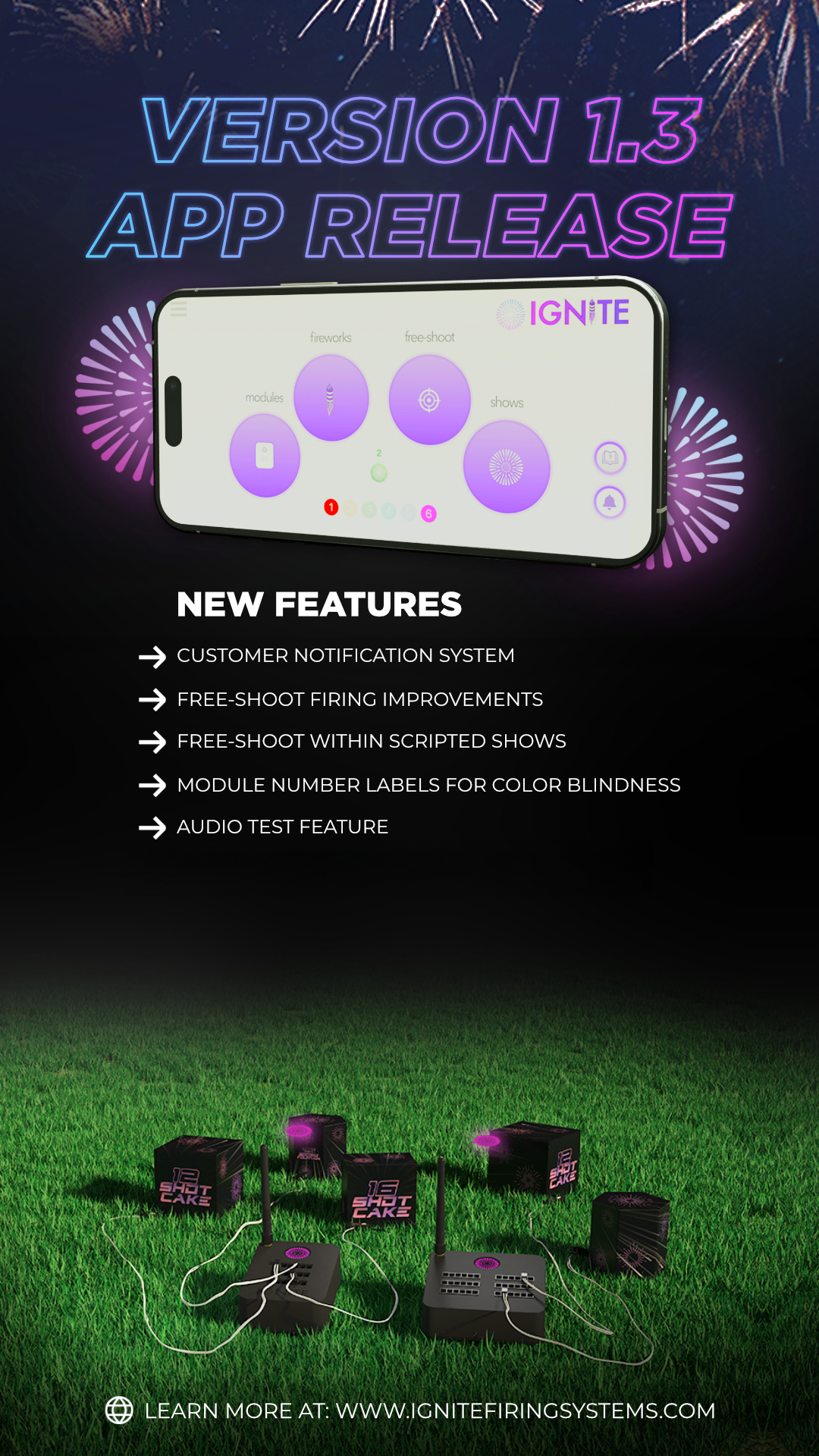
Customer Notification System
We have implemented a new customer facing notification system for communicating new app releases, bug fixes, or anything important for IGNITE users. When first logging into the app, any new notifications are made available. The new system also uses the Android and iOS general notification system to inform you of critical updates without having to open the app.

Module Number Labels to Assist Color Blind Individuals
Each module color now has a corresponding number as listed below to assist in general usability and for individuals with color blindness.
Red = 1
Yellow = 2
Green = 3
Cyan = 4
Blue = 5
Magenta = 6
This number is displayed throughout the app in several areas including module color assignment, the main menu, within manual firing features, and the show prep section. By displaying a number, individuals who are color blind can easily identify modules. In addition to displaying a number, a new module firmware update is available that causes the module to blink when powering on. The module will blink a number of times corresponding to its assigned number. For example, if your module blinks three times, it is the green (3) module. If the module blinks six times, it is the magenta (6) module.

Free Shoot - Firing Multiple Modules Improvements
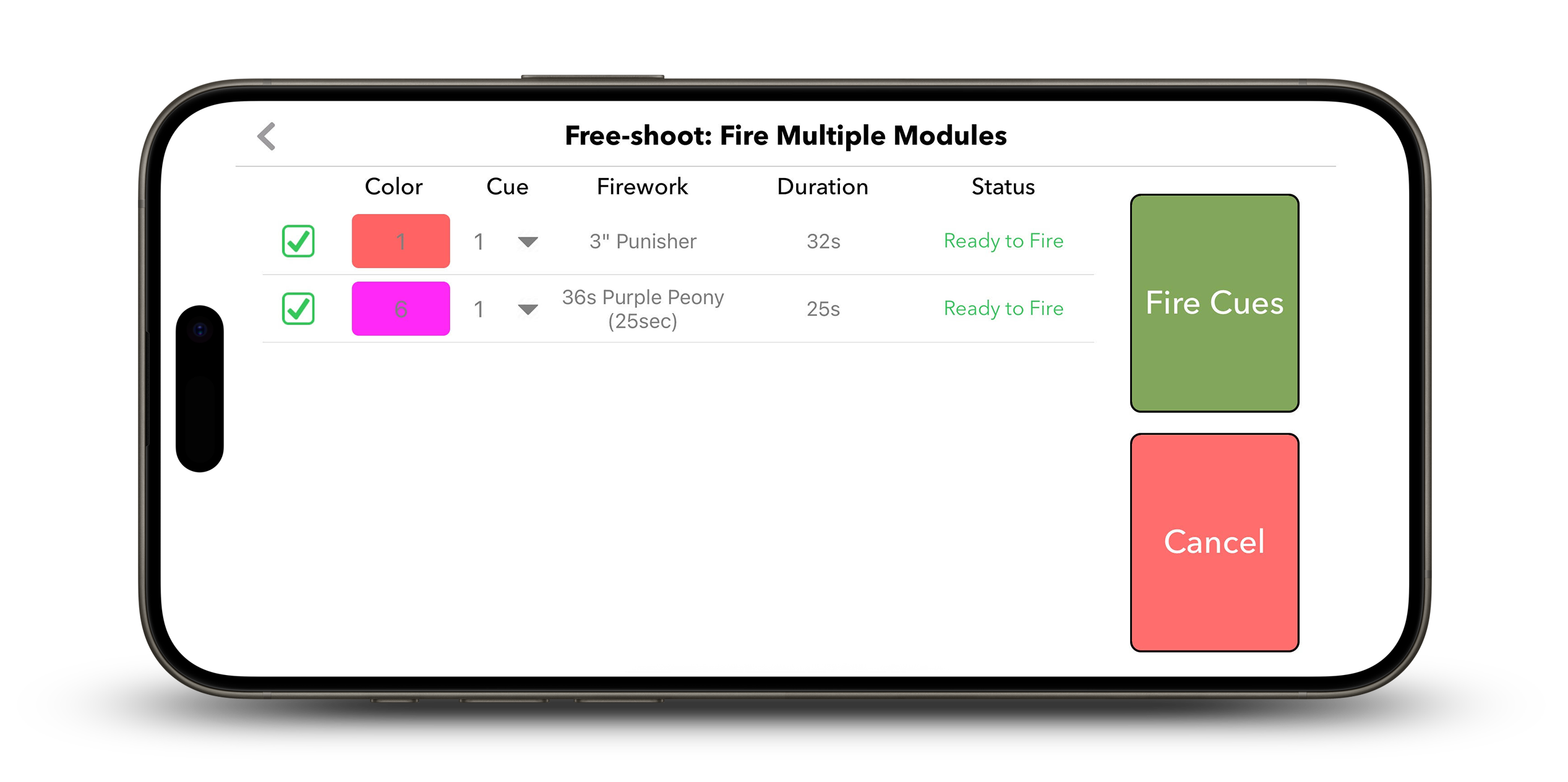
We have performed some minor updates to the free shoot firing multiple modules feature. This feature is accessible by pressing the red button with a white plus symbol located in the lower right corner of the free shoot section. We have performed the following improvements:
- When selecting a cue on a module, you can choose to apply this cue selection to all modules. For example, if you have six modules and wish to fire cue #1 across all modules, you can simply check the "Select this cue for all modules" button and then choose cue #1. This will then automatically select cue #1 for all modules, eliminating the need to do this for each module individually.
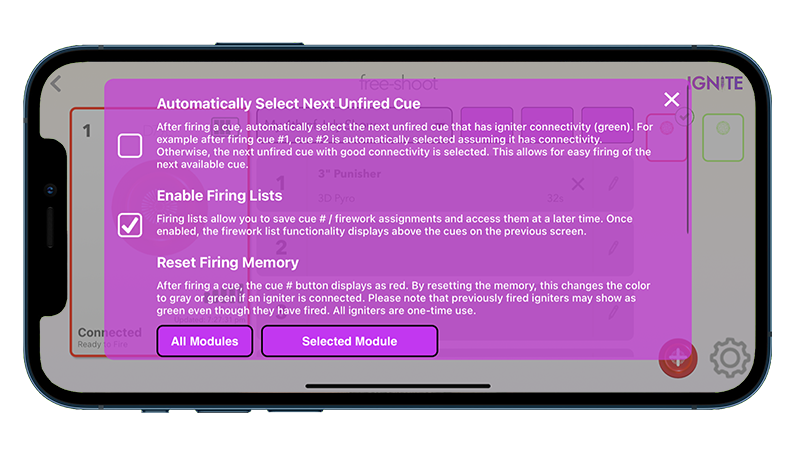
- If you have the "Automatically Select Next Unfired Cue" setting enabled from within the free shoot settings, the selected cue # for each module will automatically increment to the next cue that has igniter connectivity (green). This allows you to easily fire available cues across multiple modules at the same time without having to select the next available cue manually. Please note that this setting is accessible from the gear icon in the lower right corner of the free shoot section.

Show Audio Test Feature (including Pyrocast)
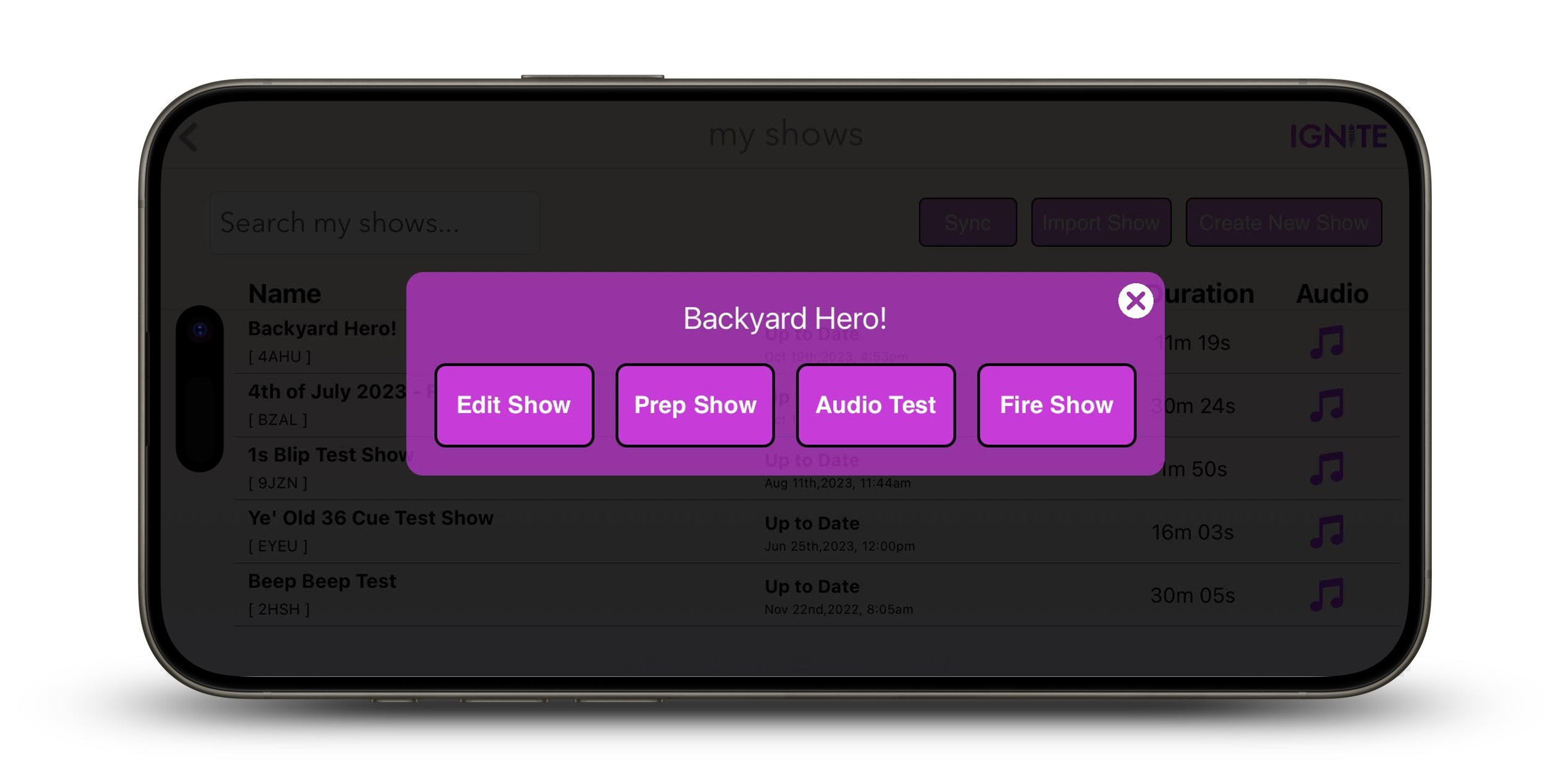
When tapping on a show from the shows section, we have added a new feature to test play the audio. This is helpful for performing sound checks prior to your show. In addition to playing audio locally from the app, any devices running Pyrocast using your show code will also play audio.
Free-Shoot within Scripted Shows
You now have the ability to free-shoot modules while a scripted show is running. To fire modules and cues while a show is running, press the red button with a white plus symbol. You can fire one or more cues across one or more modules at the same time.
IGNITE v1.2 App Release
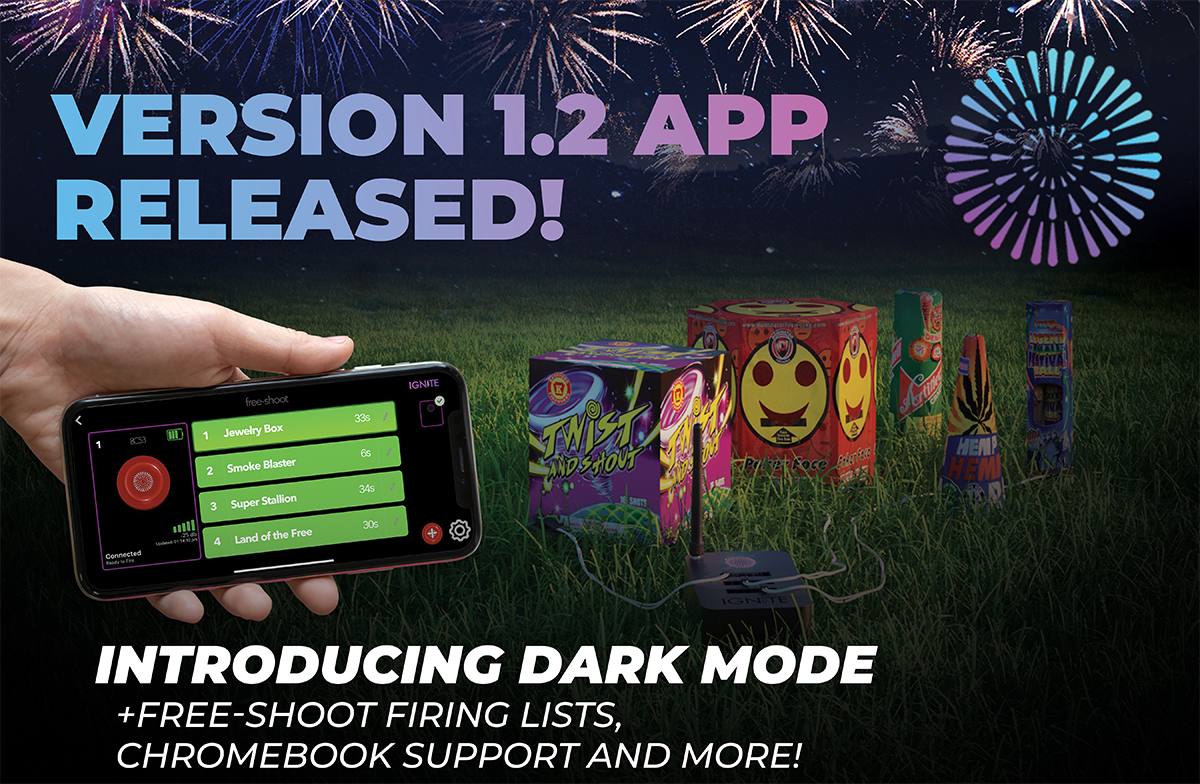
July 19th, 2023We are thrilled to announce that the v1.2 release of the IGNITE App is now available. This release features a new Free-Shoot Firing Lists function that enables users to save and retrieve lists of fireworks assigned to cues for future free-shoot shows, chromebook support, dark mode, and minor bug fixed and UI improvements.
HOW DO I UPGRADE TO THE 1.2 RELEASE?
Most users have their phones set to auto-update the app. However, to confirm, you can go to the App Store or Google Play and press the Update button. If you go to Menu > About in the IGNITE app, you should see version 1.2 displayed.
Of course, if you have any questions, please contact us directly.
Do I need to upgrade my module firmware?
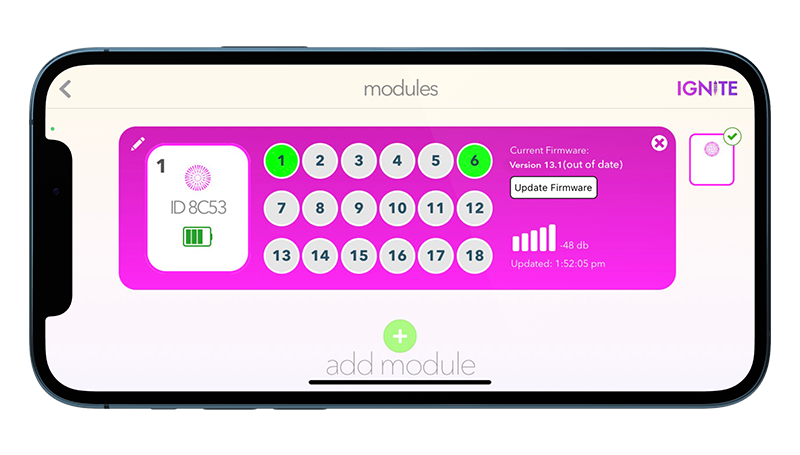
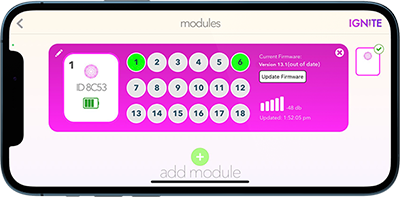
While not required, a new firmware update is recommended to support some minor improvements and bug fixes. To upgrade your firmware, go to the Modules section and tap Upgrade Firmware for each module. This only takes a few moments. Make sure to restart each IGNITE module after the firmware update is complete.
What are the new features in the IGNITE 1.2 release?
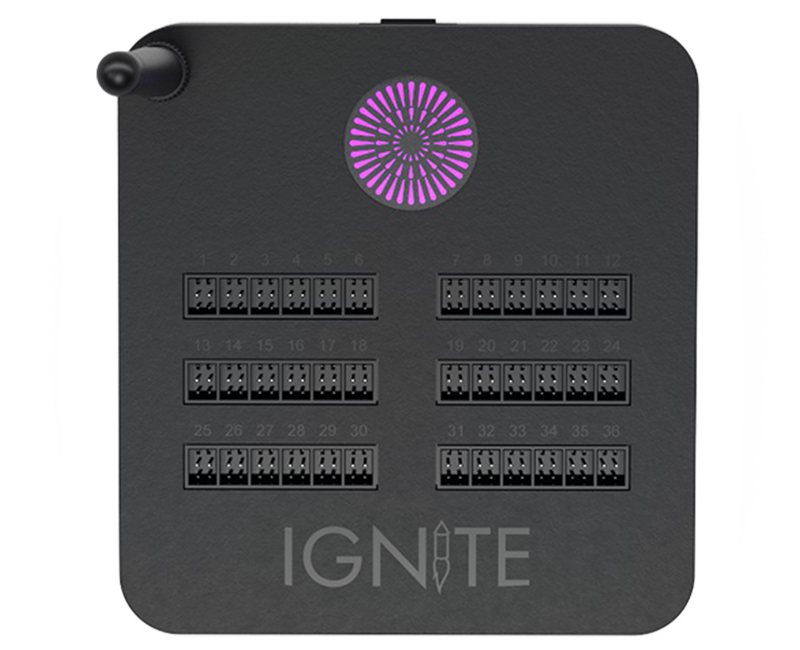
Support for the i36
IGNITE v1.2 now includes support for the i36, enhancing the capabilities of the IGNITE Firing System. With this latest addition, users can take their firework displays to new heights, as the i36 module provides an impressive capacity of 36 cues in a single module.
The i36 seamlessly integrates with the IGNITE app, ensuring a smooth and user-friendly experience for controlling and synchronizing all cues. This expanded cue capacity opens up a world of possibilities, allowing users to design and execute more complex and breathtaking firework shows. The i36 module retains the same reliability and precision that IGNITE modules are known for, ensuring exceptional performance for all firework events.
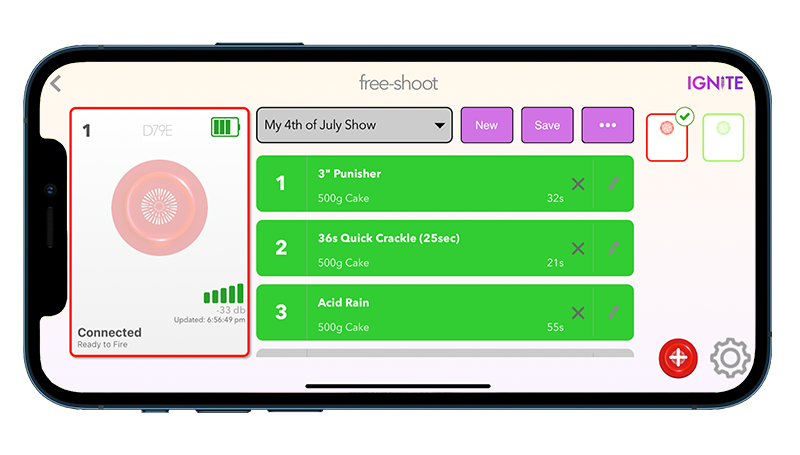
Free-Shoot Firing Lists
Users can create and save one or more lists of fireworks for i18 modules. This makes it easier to create new free-shoot shows from previously designed shows. The Firing Lists function can be enabled by tapping the Settings icon from the Free-Shoot tab and checking the "Enable Firing Lists" checkbox. Once enabled, a drop-down menu appears above the cue list on each module. Users can create new lists from scratch or from the current module fireworks, modify or delete existing lists, and toggle between selected firework lists and the standard cue list.
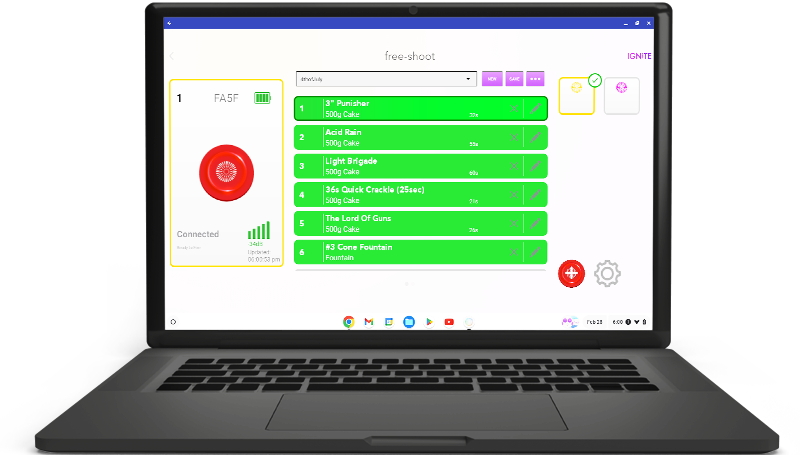
Chromebook Support
IGNITE for Android now has support for Chromebook devices, which are low cost hardware units that typically come in laptop form. Chromebook's can range in price from $100 to $200+ on Amazon.com. One benefit to a Chromebook is keyboard, mouse, and dedicated hardware support. Note that not all Chromebooks support Android apps, so we suggest finding a Chromebook and cross referencing supported devices.
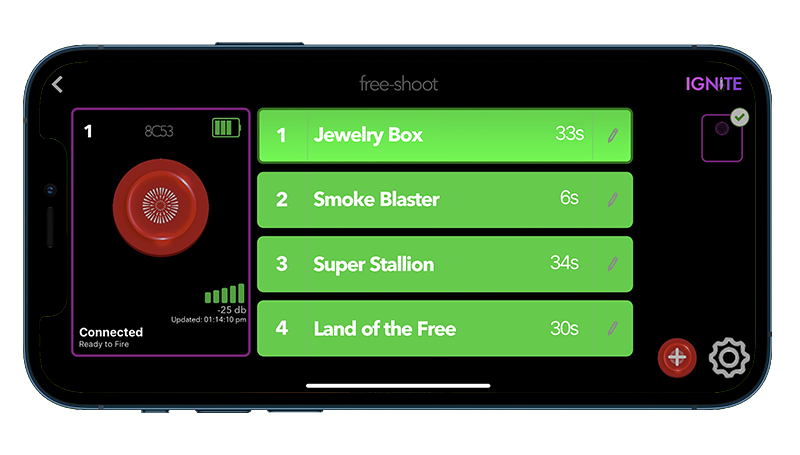
Dark Mode
We've listened to your feedback and are thrilled to bring you a sleek and visually stunning dark theme option. With Dark Mode, you can now enjoy a more immersive experience while operating the IGNITE Firing System app, whether you're working late at night or simply prefer a darker aesthetic. To enable Dark Mode, simply go to Menu > Settings and turn this feature on.
Minor Bug Fixes and UI Improvements
Along with the new feature, we have also improved the Free-Shoot settings UI and fixed several minor bugs in the app. These bugs do not affect the stability of firing shows.
IGNITE v1.1 App Release
August 17th, 2022We are very excited to announce our v1.1 release for IGNITE is now publicly released and live on the App Store and Google Play. This is our first official public release and just the beginning for the long-term evolution of the IGNITE platform. We are currently under development with a v1.2 release with new features. Stay tuned as more information becomes available.
HOW DO I UPGRADE TO THE 1.1 RELEASE?
Most users have their phones set to auto-update the app. However, to confirm, you can go to the App Store or Google Play and press the Update button. If you go to Menu > About in your app, you should see version 1.1 displayed.
Also, note that due to security changes in both Apple and Android, the new version will re-ask you to download your fireworks and shows automatically. This is a new and improved synchronization system to IGNITE Show Designer to make updates easier and more automatic.
Of course, if you have any questions, please contact us directly.
Do I need to upgrade my module firmware?
While not required, a new firmware update is recommended to support some minor improvements and bug fixes. To upgrade your firmware, go to the Modules section and tap Upgrade Firmware for each module. This only takes a few moments. Make sure to restart each IGNITE module after the firmware update is complete.
What are the new features in the IGNITE 1.1 release?
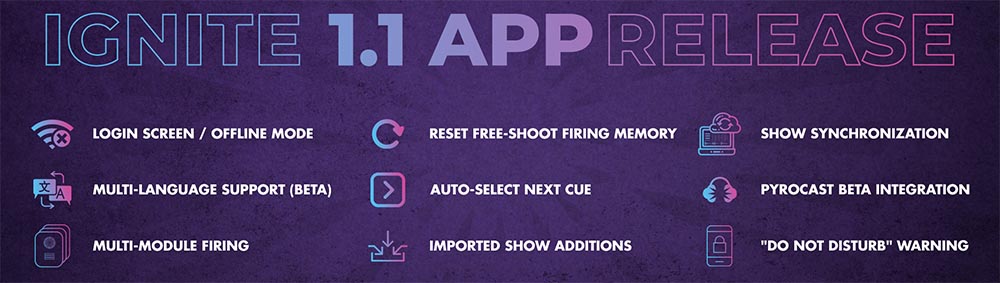
Excellent question and the best one so far! Please find a list of the features below. While none of the features are groundbreaking, this new release represents a huge step forward in supporting a release process for our customers.
Login Screen / Offline Mode
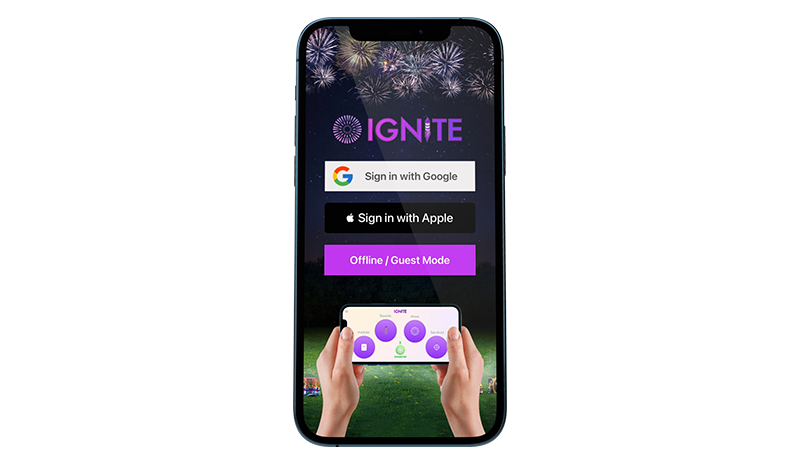
The app contains a new login screen with a fresh design as well as supporting logging in as a guest or while offline. Please note that you can use the app without internet access if logged in. However, if you are logged off and don't have internet access, the offline login allows you to use the app with access to your modules, fireworks, and shows. The app also keeps you logged in, even if the app is closed or your phone is powered off.
Multi-language Support (BETA)
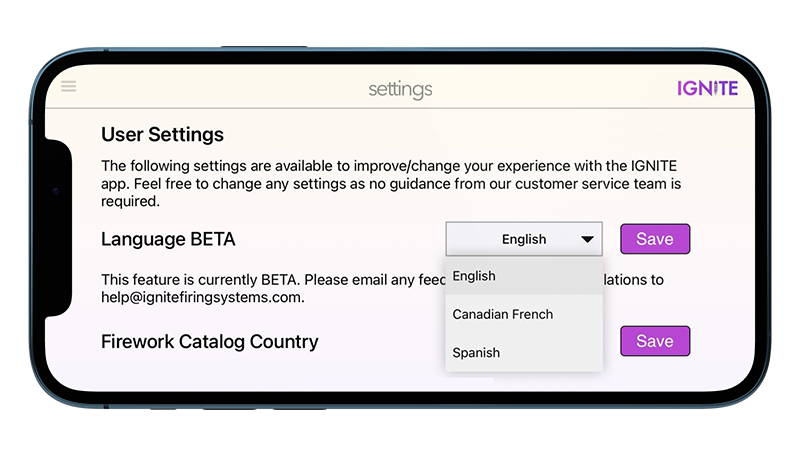
When first opening the app, you choose your language and country. By selecting a different language, the app wording will be in that language. By selecting a different country, only fireworks associated with brands in that country are available in the Fireworks > Catalog feature. Available languages are English, Canadian French, and Spanish. German, Finnish, and others are coming soon. You can change the app Language and Country settings at any time from the app Settings section. If you have any feedback or wish to help improve/add new languages, please email us at help@ignitefiringsystems.com.
Multi-Module Firing
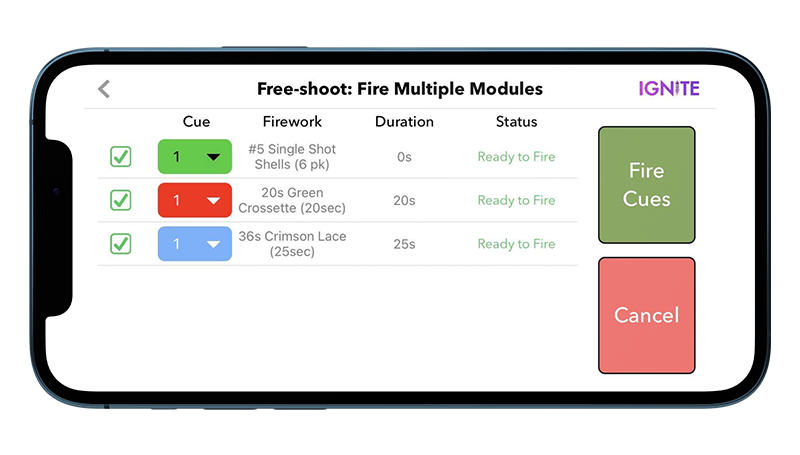
You can now fire multiple modules simultaneously using the multi-module free-shoot interface. Tap the red multi-fire icon from the Free-shoot section to use the feature. By default, cues are pre-selected based on cues selected on the individual module. If none are selected, cue #1 is selected by default. You can choose to fire or not fire a module by using the checkbox. You can also override the cue for each module. Any firework descriptions and count-downs are displayed for you when firing. Please note that module cues may not fire precisely at the exact same time, as you may see a small 1/10th of a second or more delay when firing. This is normal and will be improved in future releases.
Reset Free-Shoot Firing Memory
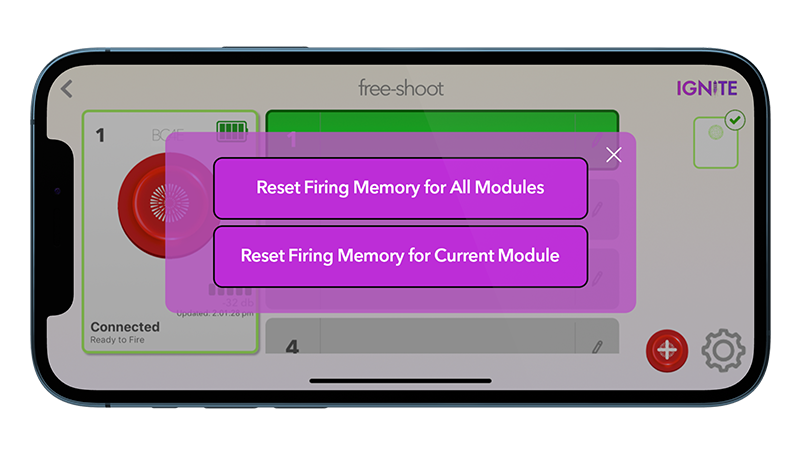
You can now reset the firing memory of individual modules or all modules from the Free-Shoot section. This will revert any cues from red (previously fired) to either gray (no continuity) or green (continuity) based on the current status of the cues. Previously the user had to force close and restart the module. You can access this feature by tapping the gear icon from the lower-right corner of the Free-shoot section.
Auto-Select Next Cue
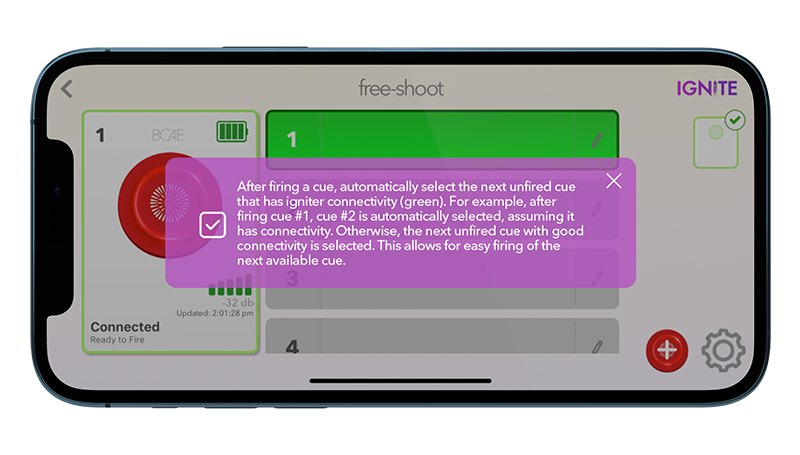
You can now configure the Free-shoot section to automatically select the next cue after manually firing a module. For example, by firing cue #1 on the red module, the next cue #2 is automatically selected. Previously the user had to select the cue manually. This allows for easier manual firing of modules. To enable this feature, tap on the gear icon from the lower-right corner of the Free-shoot section.
Imported Show Additions
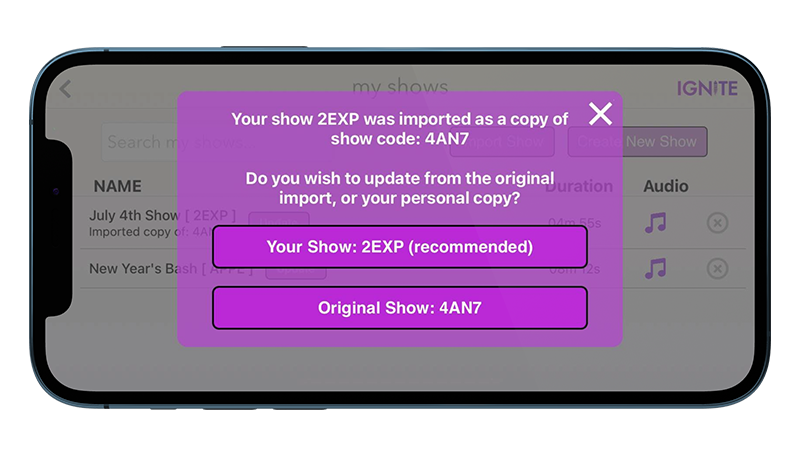
When importing a new show that you did not create or own (e.g. from a retailer or another user), IGNITE will automatically create a copy of the show on both the IGNITE app and online within your IGNITE Show Designer account. This allows you to edit the show as your personal copy. In addition, when updating the show from the app, you can choose to update it from the original show, or from your current edited copy. For example, if a retailer or user updated the show, you can override your personal copy.
Show Synchronization
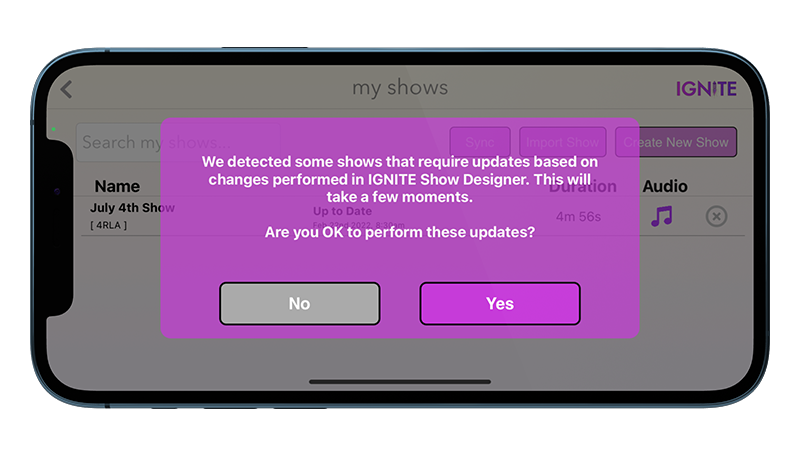
We added a Sync button in the Shows section that synchronizes your shows with IGNITE Show Designer. If any changes are detected, the app will prompt you with the option to update your shows including changes to audio files. An active internet connection is required for this feature to work.
Pyrocast BETA integration
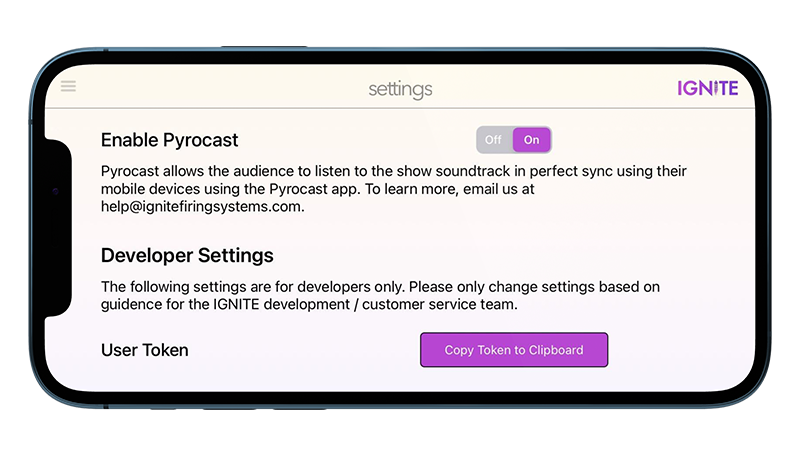
Pyrocast is a brand new, up-and-coming project created by the COBRA and IGNITE team. Pyrocast allows audience members to listen to the show audio directly from their phones. To learn more, see www.ignitefiringsystems.com/pyrocast.
"Do not disturb" Warning
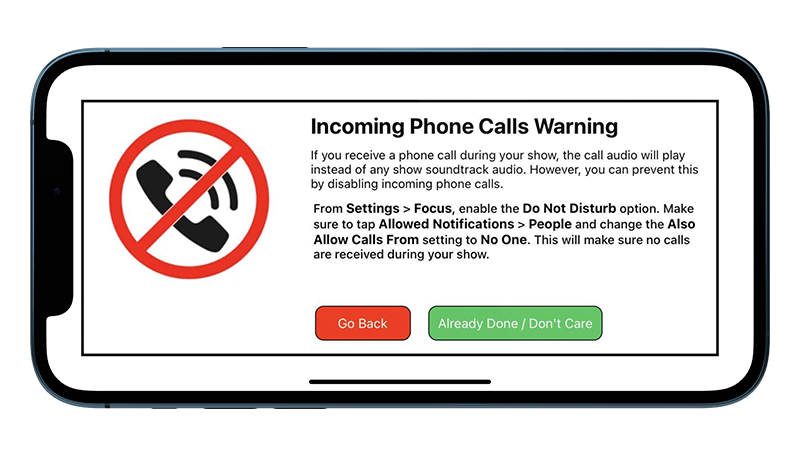
If your show has an audio soundtrack, a warning will appear when tapping Fire Show. This warning informs you that an incoming phone call may disturb the show audio and provides instructions on enabling the Do Not Disturb setting to prevent incoming phone calls for iOS and Android.
Improved User Developer Debugging
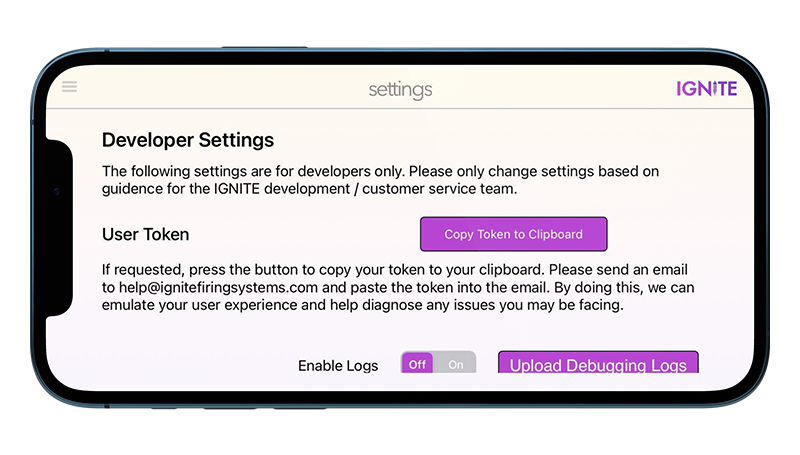
We have added additional settings developer debug settings into the app Settings section. Please don't change these unless directed by a member of our IGNITE team. The improvements to this section allow for more controls and access to debugging data if needed. These improvements are part of our overall focus and evolution of support and maintained reliability of the IGNITE system.